What started as designing individual screens and flows gradually became a much bigger question:
How do you make several technically complex products, and everything around them, feel clear, consistent and manageable?
* Team-level outcomes from the wider design-system effort. Shared results, not personal ownership.
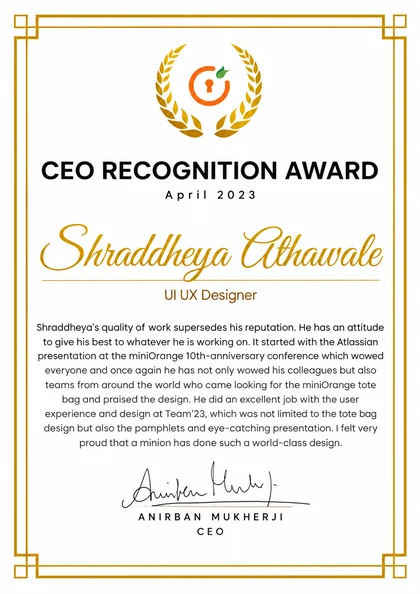
Recognition
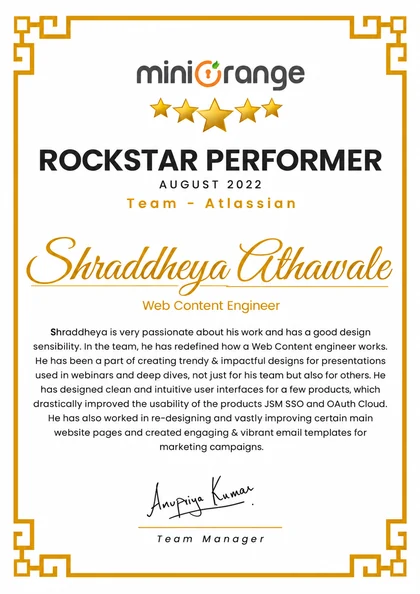
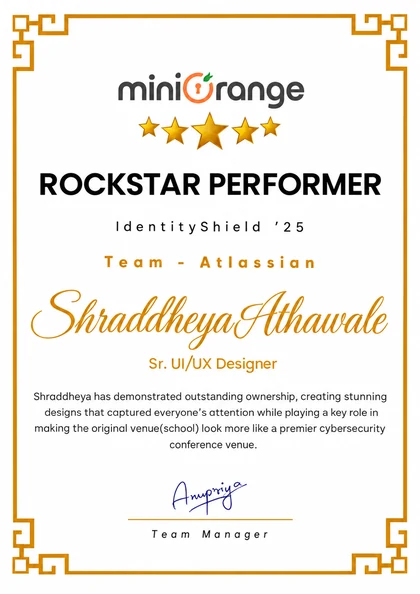
Outstanding AwardCEO Recognition Award x 3
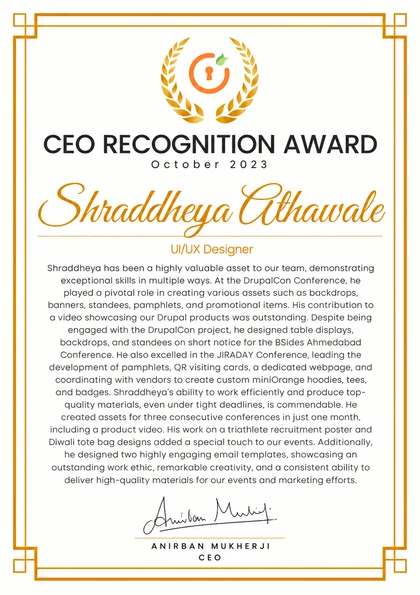

Outstanding AwardRockstar of the Month x2
This wasn’t one redesign.
It would be easier to package four years of work as one neat before-and-after story. It wasn’t.
The products had different users, different technical constraints and different histories. Some problems were obvious. Others had accumulated slowly over years.
A setting appeared in one place. Then another.
A technical term became a label. Everyone inside already knew what it meant.
Patterns drifted apart. The same interaction behaved differently across products.
None of these decisions were bad on their own. Together, they created friction.
The actual problem was complexity.
Identity software deals with things most products can safely ignore:
And sometimes complexity is legitimate. You cannot simply remove every setting from an enterprise security product because the interface would look nicer.
So I stopped asking
How do I make this simple?
And started asking
How much of this complexity does the user need to carry right now?
That distinction ended up shaping a lot of my work, inside the product and outside it.
Product
2FA, SSO, SCIM and the admin screens around them.
Let people set up 2FA without needing a manual.
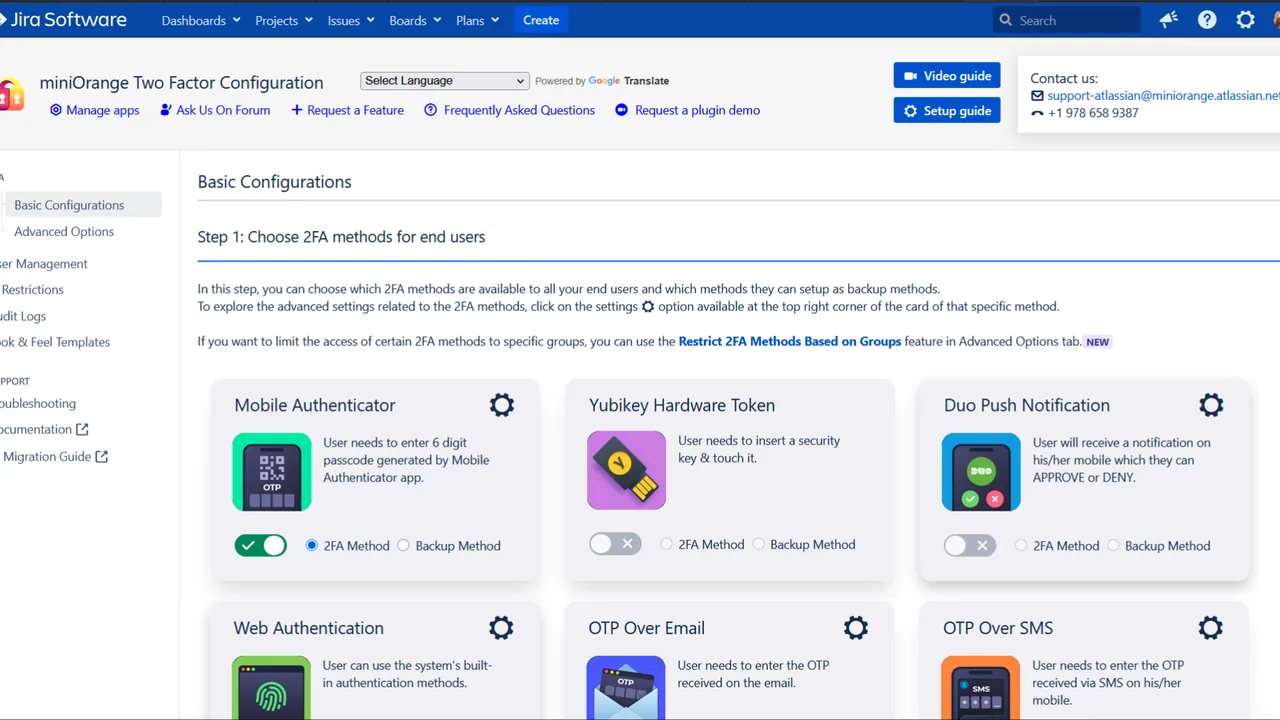
Two-factor authentication sounds straightforward until you have to design the product around it.
There are setup methods, policies, recovery options, enrolment states, admin controls, exceptions and users who are somewhere between “not configured” and “done.” The existing product already handled much of this. The problem was that the interface often treated everything as equally important.
Settings were competing with instructions.
Instructions were competing with status.
Status was competing with the next action.
I worked on restructuring the experience around what someone needed to understand at that moment.

Two audiences. Different questions.
End users
What do I need to do to get this working?
Admins
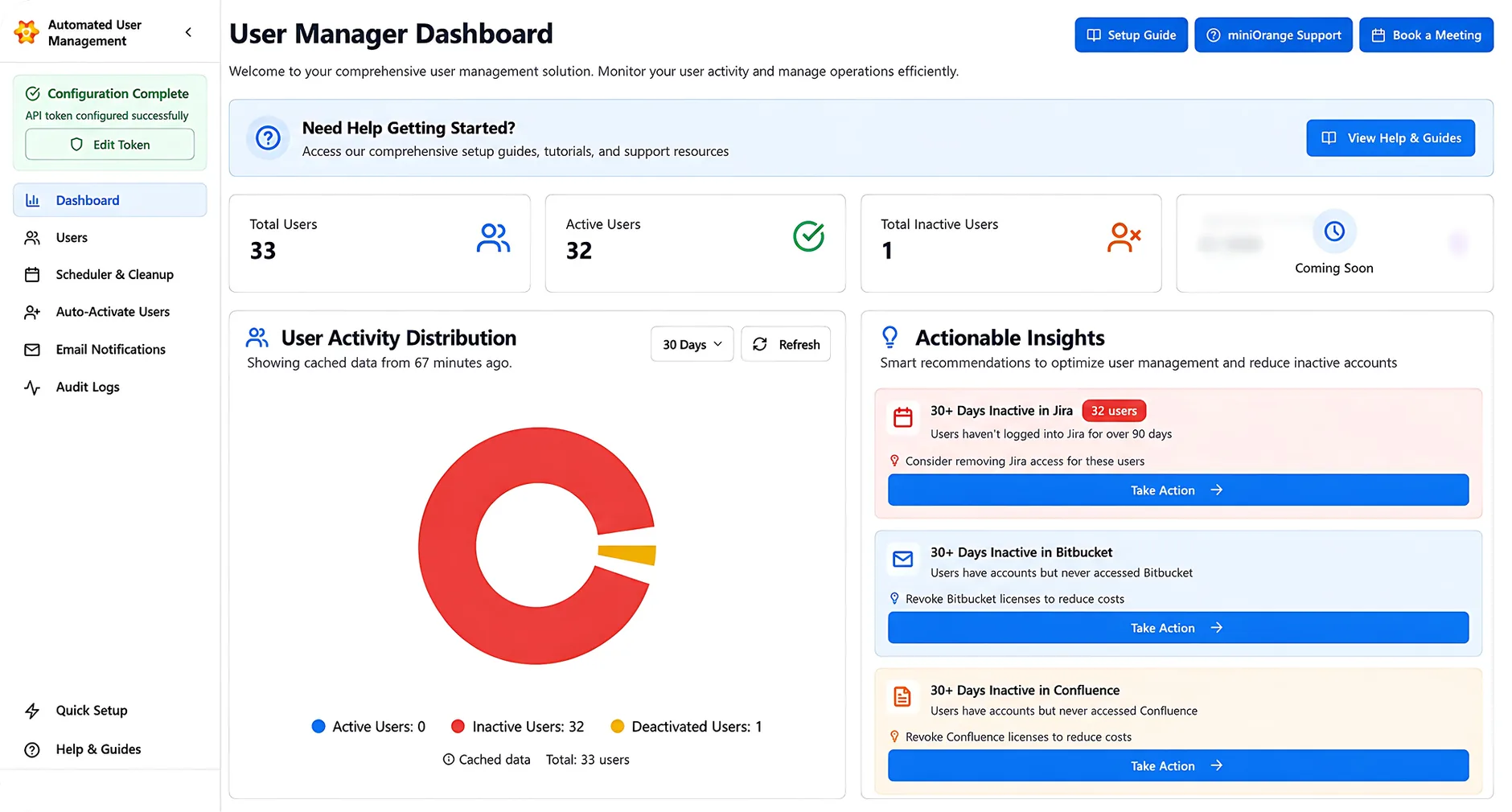
Who is configured?
What policy applies?
What still needs attention?
What happens if something goes wrong?
Those are related problems, but they are not the same problem. Instead of giving both audiences the same information hierarchy, I started treating their next decision as the organising principle.
State needed to feel like state.
A setup should not make someone inspect six settings to work out whether it actually worked. So the experience needed to make states like these feel unmistakably different:
Not through decoration, but through hierarchy, language, feedback and what action appeared next.
What changed
- Clearer setup progression
- Stronger hierarchy between primary and secondary configuration
- Clearer system feedback and security states
- Immediate actions separated from advanced configuration
- Admin-heavy information that is easier to scan
- Less dependence on documentation during setup
Estimated from qualitative product, support and customer feedback, not instrumented analytics.
Let admins manage identity without thinking in protocols.
SSO, SCIM and automated user management are technically different systems. To the person administering them, they often add up to the same job:
Get the right person into the right application at the right time.
A new employee joins. They need access.
Their role changes. Their access changes.
They leave. Their access goes away.
The technology underneath that workflow might involve an identity provider, directories, attributes, provisioning rules, groups and sync behaviour. The admin should not have to reconstruct the architecture every time they need to complete a task.
Protocol language vs task language
A recurring challenge was deciding when technical terminology was useful and when it was simply leaking implementation details into the interface.
SCIM provisioning
Keep users and groups automatically in sync
The first is accurate. The second tells someone what the feature actually does. The goal was not to hide every technical term, since enterprise admins often do need that information. It was to build a hierarchy where the human task came first and the implementation details appeared when they became useful.
Technology underneath
- SSO
- SCIM
- Directories
- Identity providers
- Groups
- Provisioning
What the admin is thinking
- Who needs access?
- Where?
- When?
- What changed?
- What failed?

Dense information still needs hierarchy.
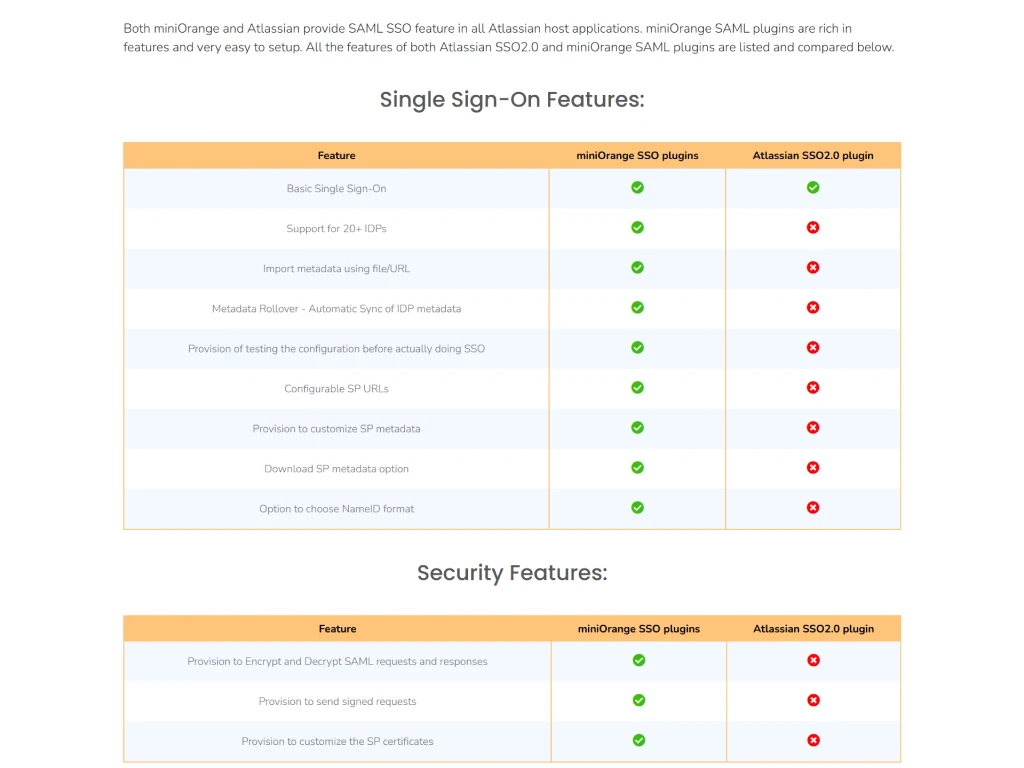
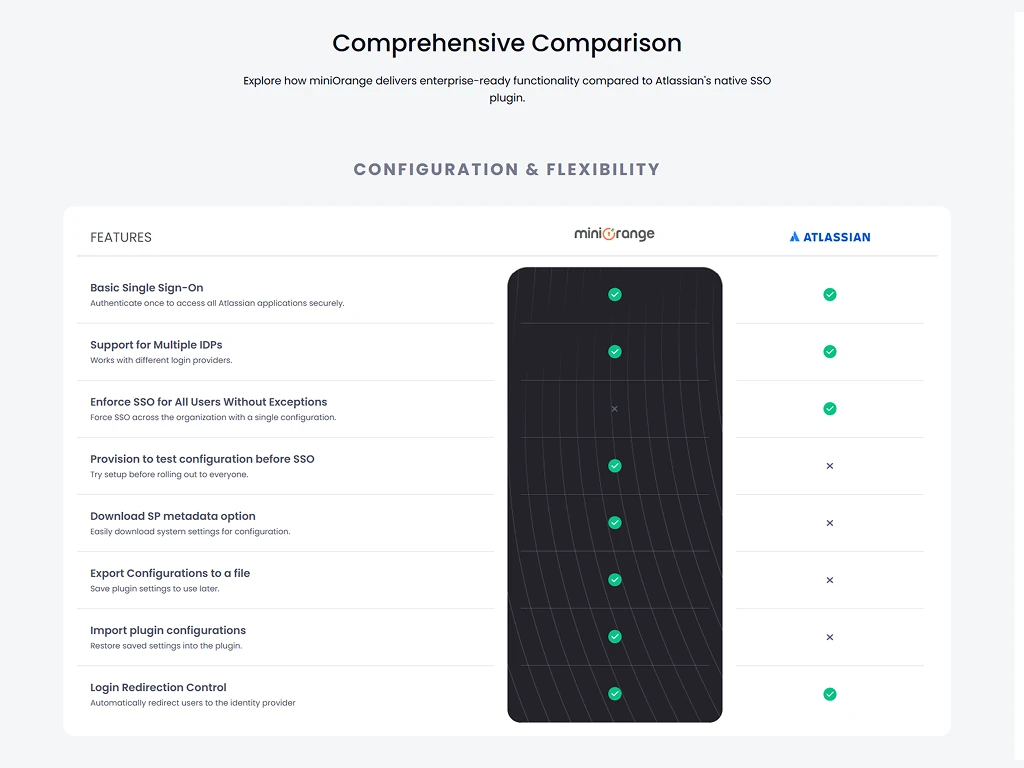
Not all of my product work involved setup flows. Some of it was taking an unreasonable amount of information and making it possible to scan. A good example was product-comparison material. Feature matrices naturally become walls of:
✕ Unsupported
Version A
Version B
Feature X
Feature Y
Another paragraph explaining an exception
✓ Supported
✕ Unsupported
Feature Z (see note)
Technically complete. Practically exhausting. My approach was to treat documentation and comparison content as an information-design problem.
Group related things.
Create obvious entry points.
Separate primary differences from edge cases.
Let someone scan before asking them to study.
That same instinct showed up repeatedly in dashboards, admin tables, documentation and configuration screens.
Systems
The shared pieces everything else was built from.
Make the ecosystem feel like one ecosystem.
Working across multiple miniOrange products made another problem increasingly visible: familiar actions did not always feel familiar.
Forms could behave differently. Tables could use different patterns. Status communication changed from product to product. Spacing, navigation, empty states and feedback had evolved independently.
None of this meant every product needed to look identical. It meant the user should not have to relearn basic interaction patterns every time they moved to another part of the ecosystem.
A shared design language became infrastructure.
As the design team grew, we worked toward reusable patterns and components that could be shared across products. The wider effort eventually covered 150+ components across 8 products. But the useful part was not the component count. It was what the system removed.
Less reinvention.
Less ambiguity.
Fewer one-off decisions.
More time for the problems that actually needed design thinking.
* Team-level internal estimates from design audits and team observation, not automated analytics.
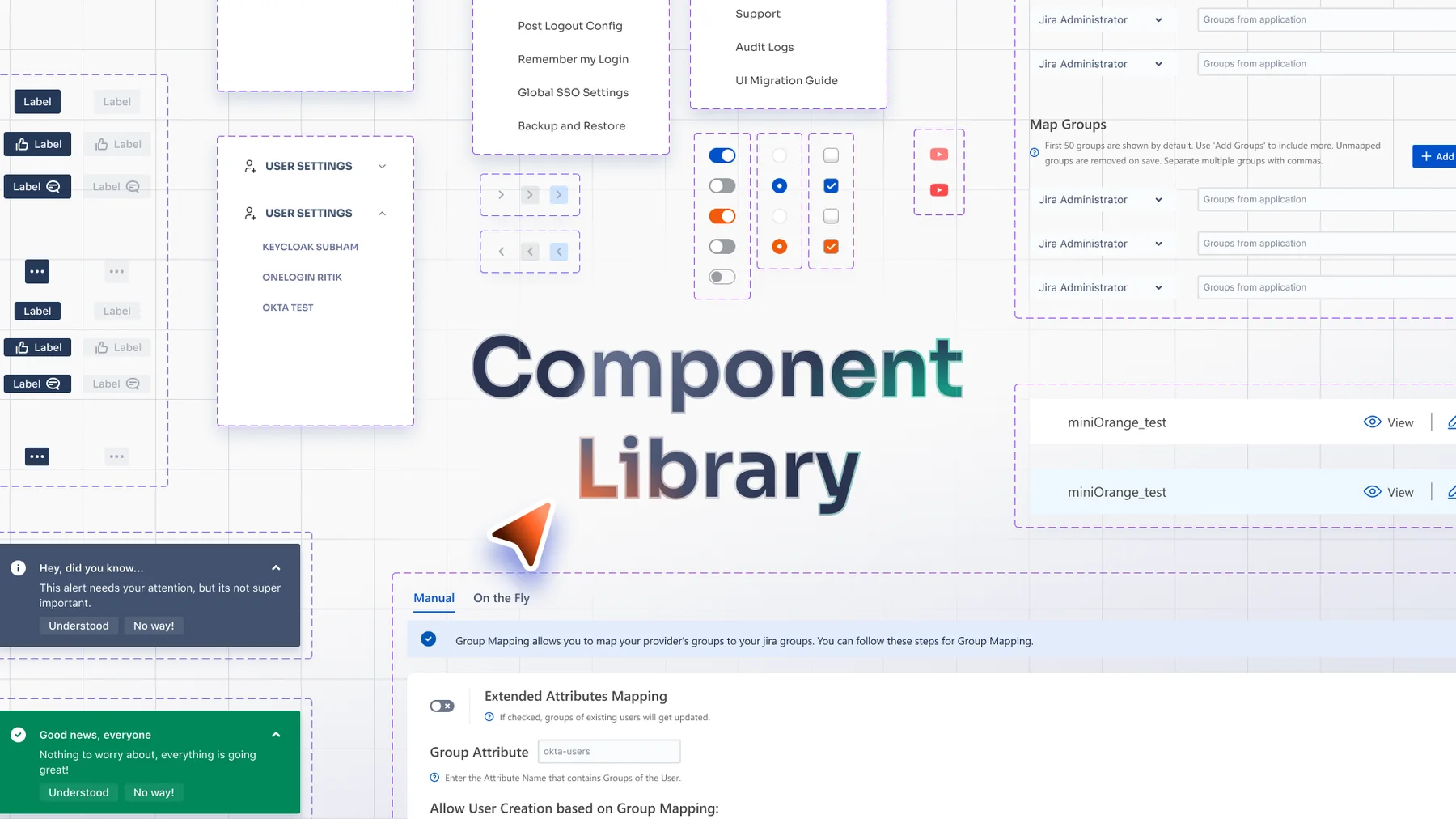
My contribution
Applying shared patterns
Using established components instead of creating isolated solutions.
Extending patterns
Identifying situations existing components did not account for.
Product consistency
Bringing screens closer to the wider visual and interaction language.
Interaction states
Loading, success, error, incomplete and empty, not just the default screen.
Developer handoff
Designs that were clearer to implement and less dependent on one-off mocks.
I do not think of that as “making a Figma library.” It was making familiar things behave familiarly.
The design system changed how we worked too.
Before reusable patterns became established, design and engineering repeatedly revisited the same implementation questions. Spacing. States. Forms. Components. Behaviour.
Once those decisions existed somewhere reusable, a screen stopped being a collection of fresh decisions. It became a composition of known ones.
Reported by the broader team. A shared outcome, not one I can claim alone.
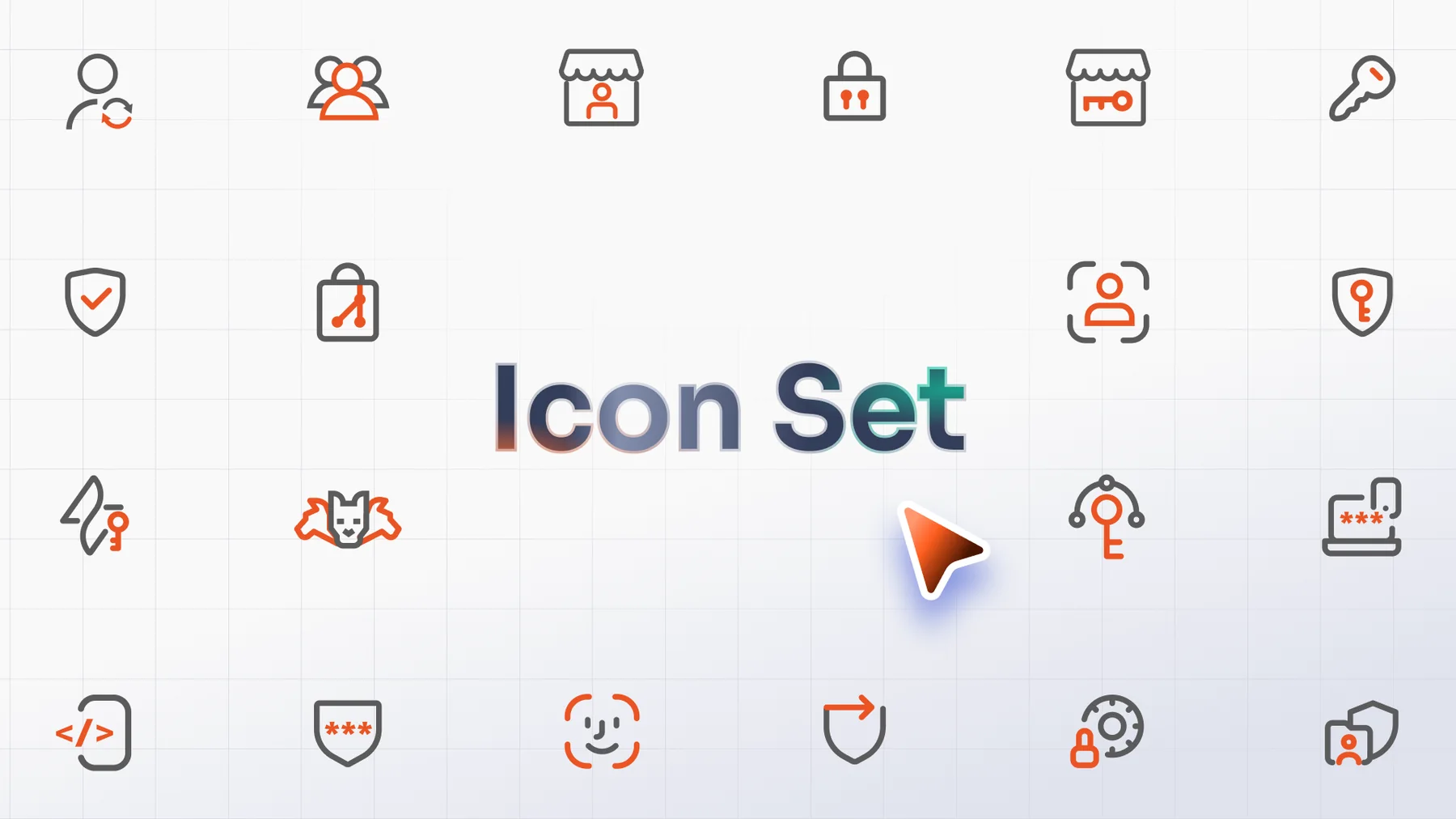
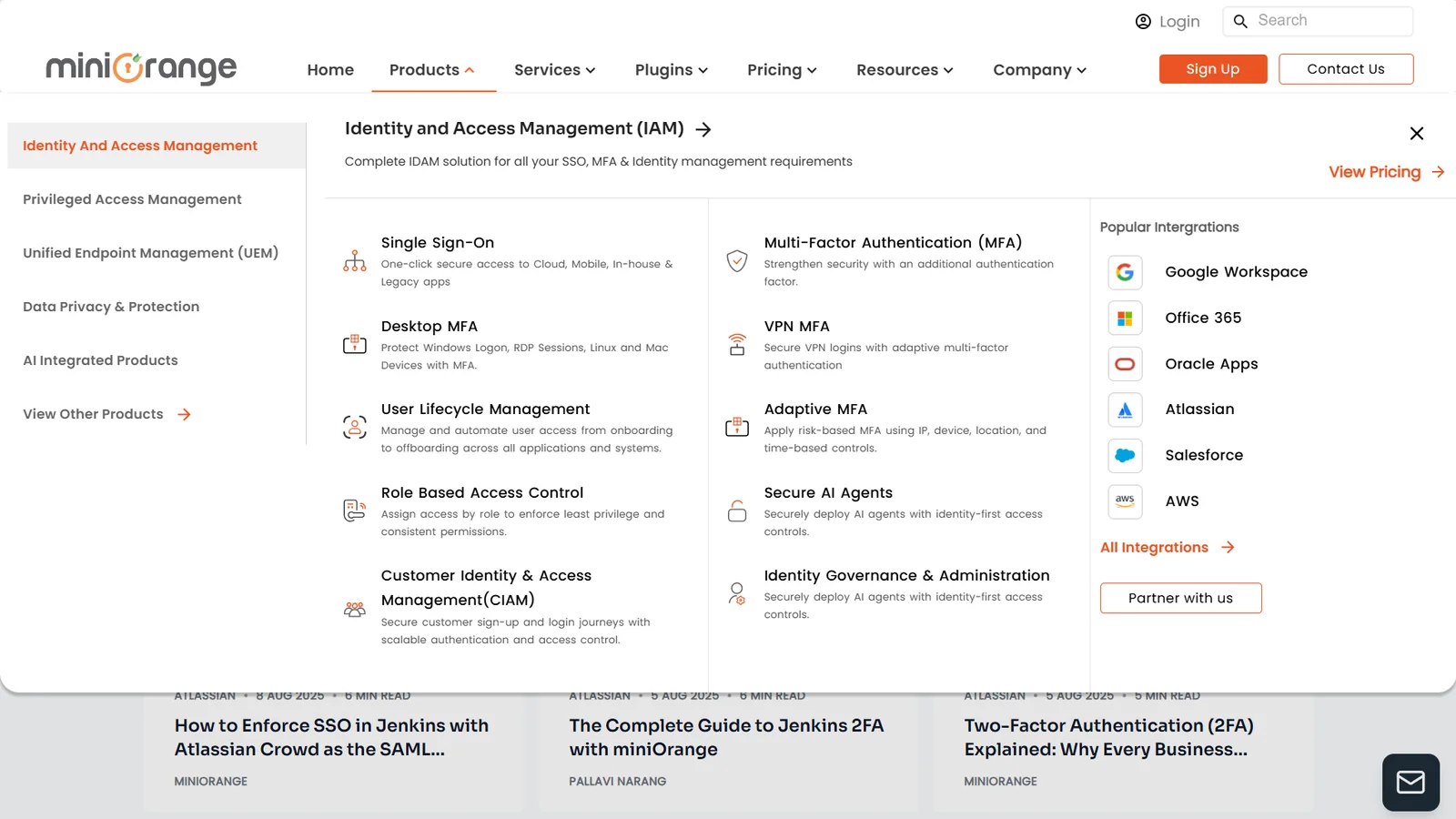
One icon for one idea.
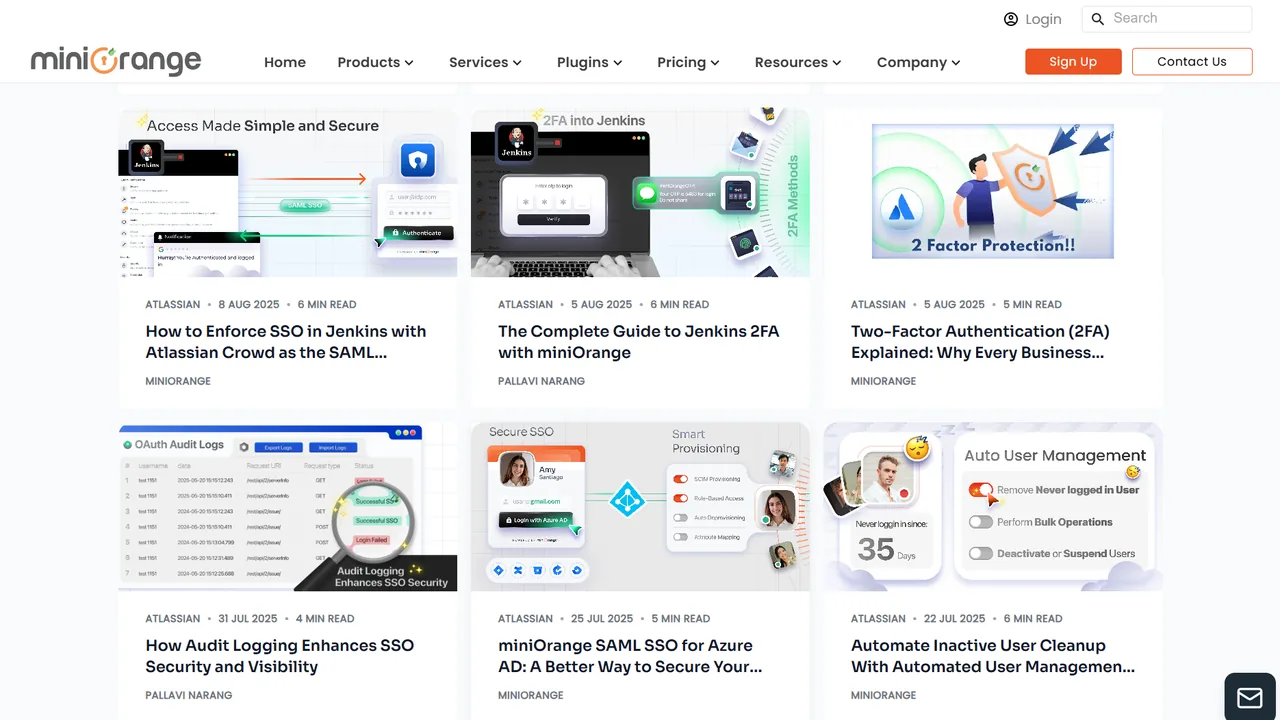
I helped build the icon library the products, the website and marketing shared.
The aim was for an icon to mean the same thing wherever it showed up, whether that was a settings screen, a landing page or a social post.

A way of drawing, not a pile of drawings.
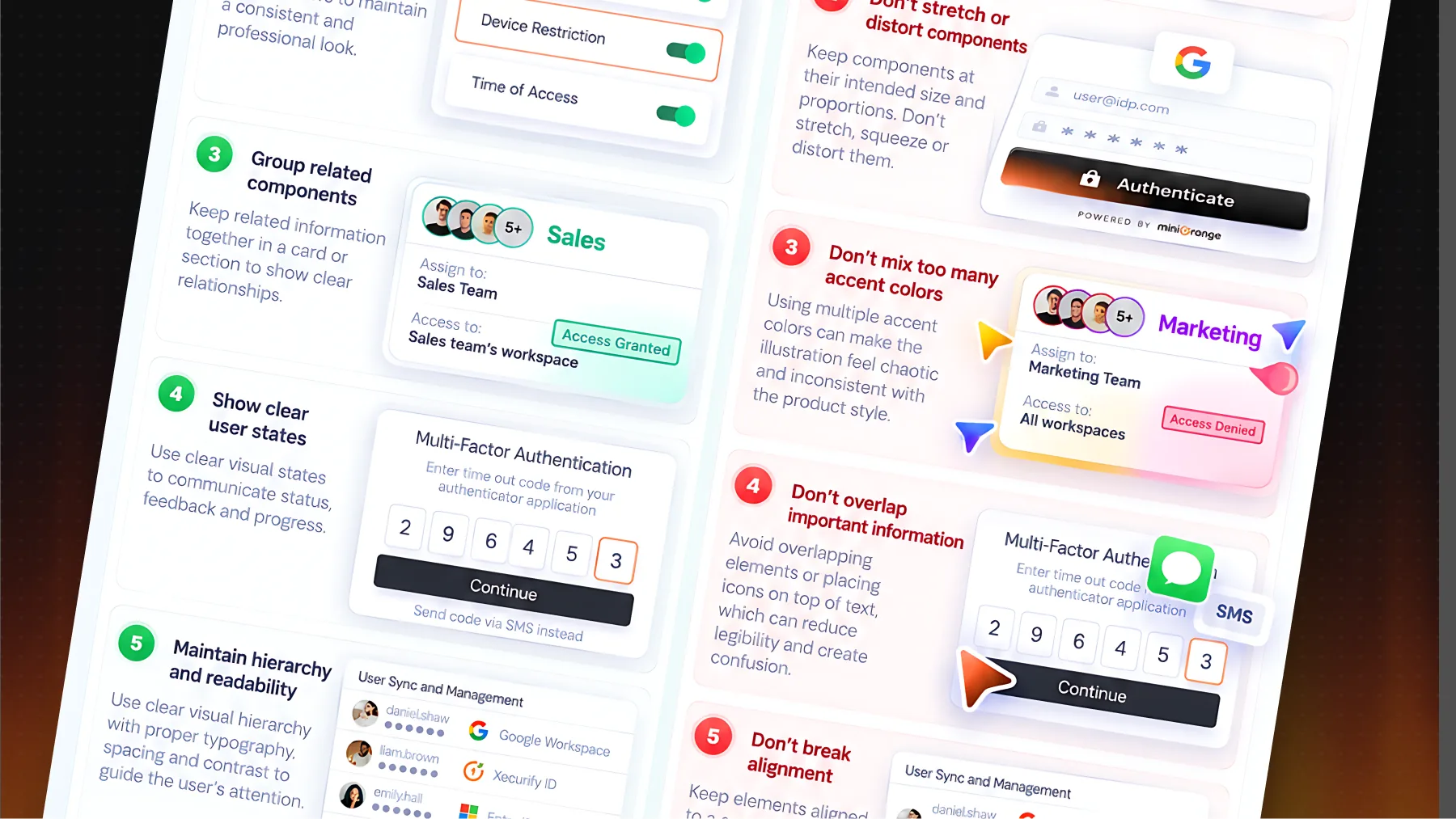
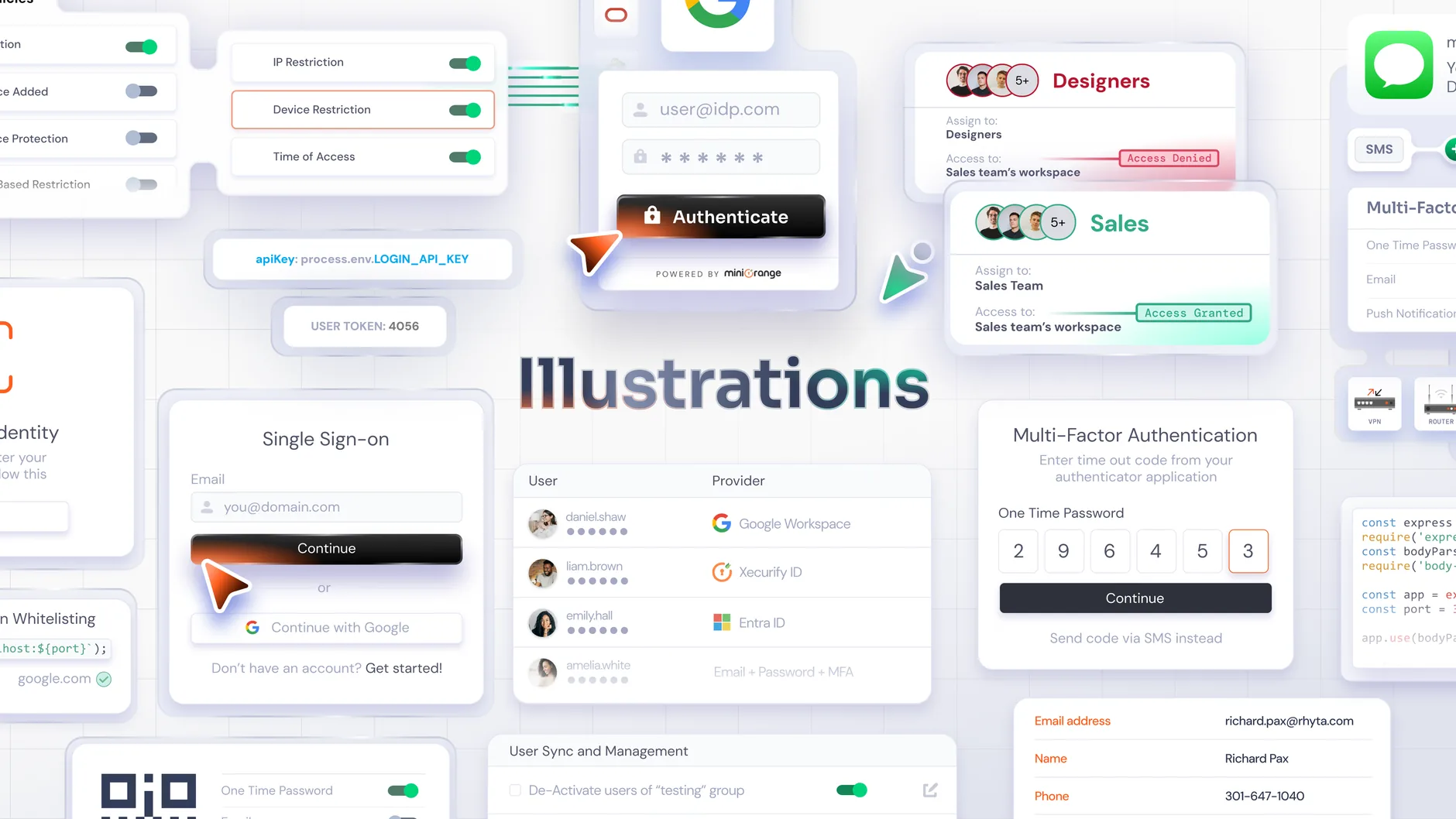
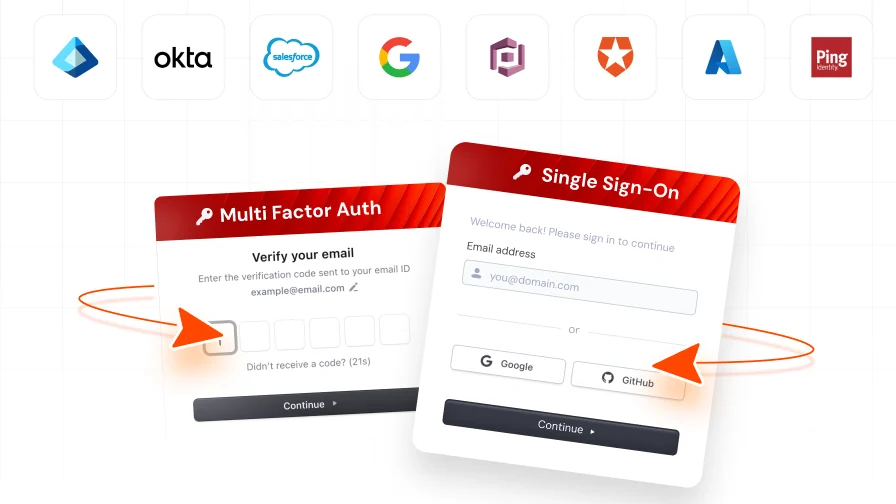
Identity and security are hard to picture. I helped shape the illustration style miniOrange used to explain them.
Use-case graphics, website heroes and emails needed to feel like one family, so the style had to work as a set of rules as much as a set of pictures.

Brand & marketing
The website, the feeds, the inbox and the conference floor.
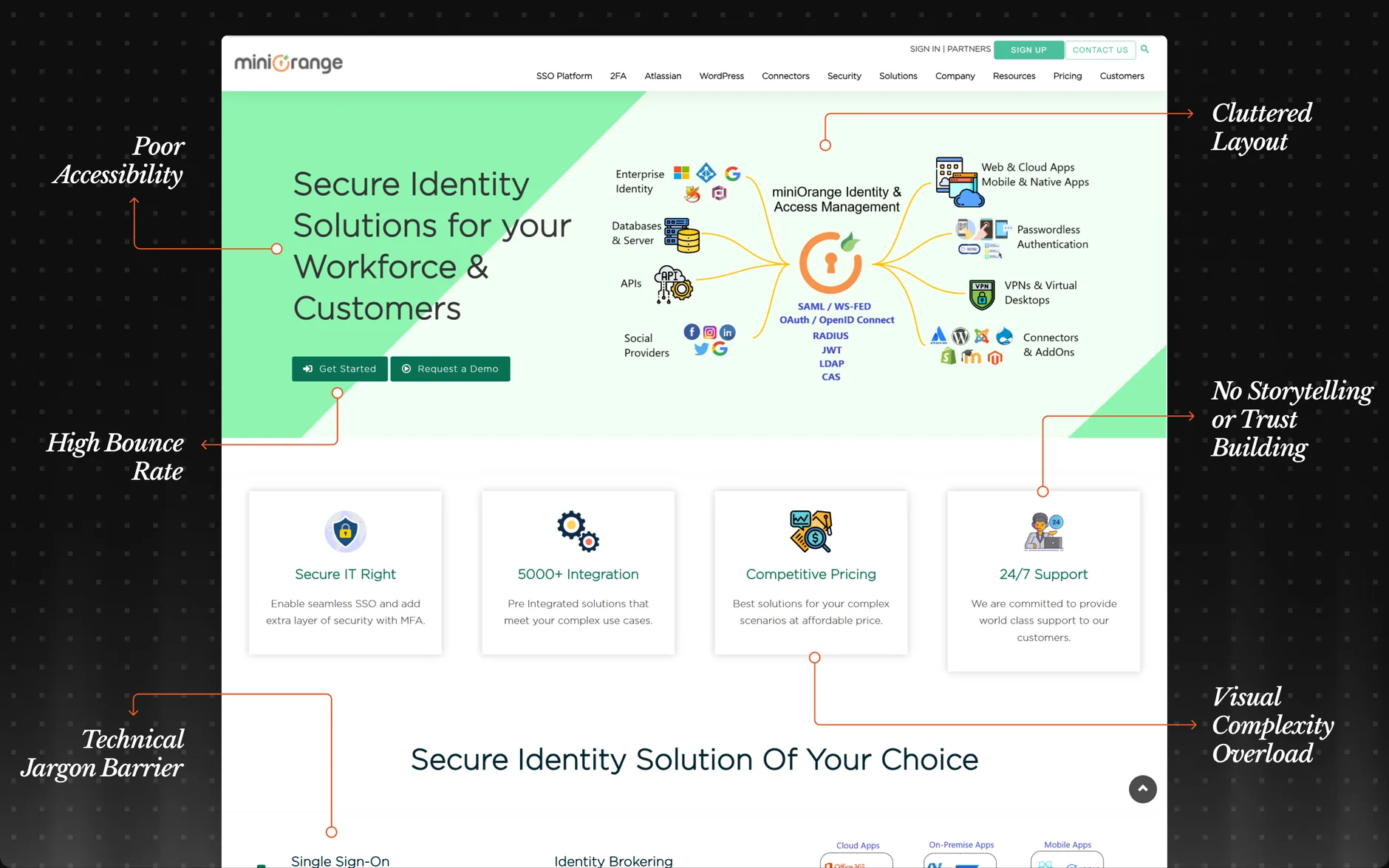
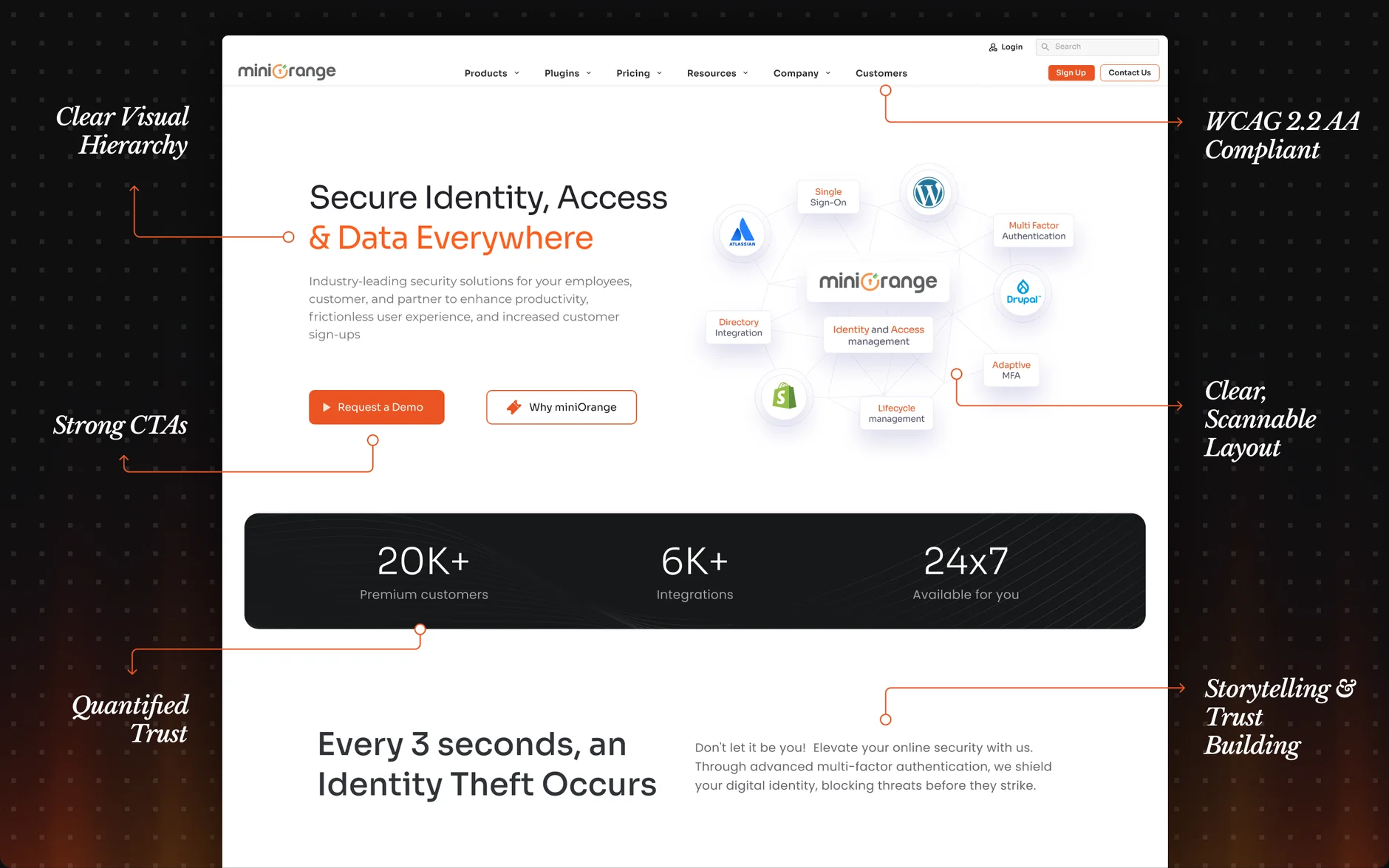
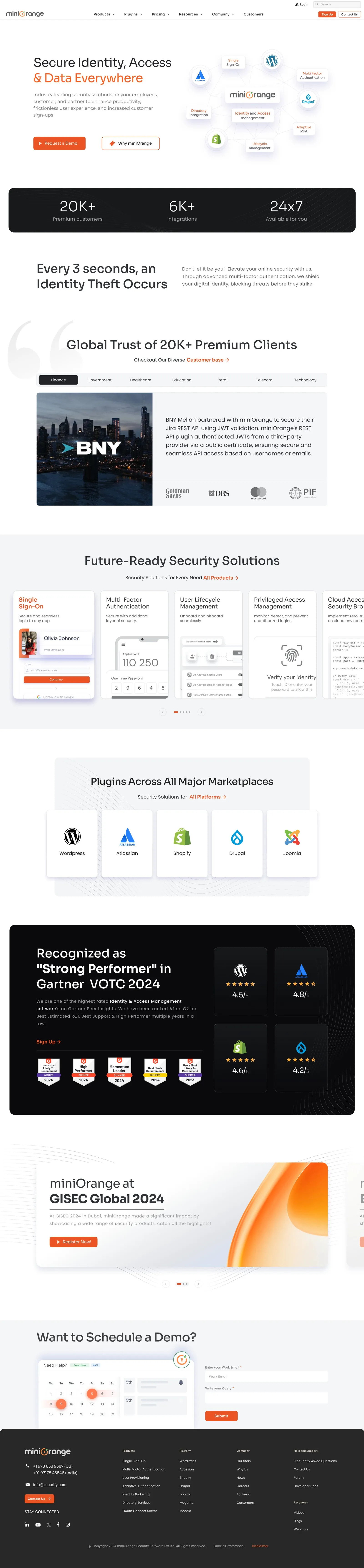
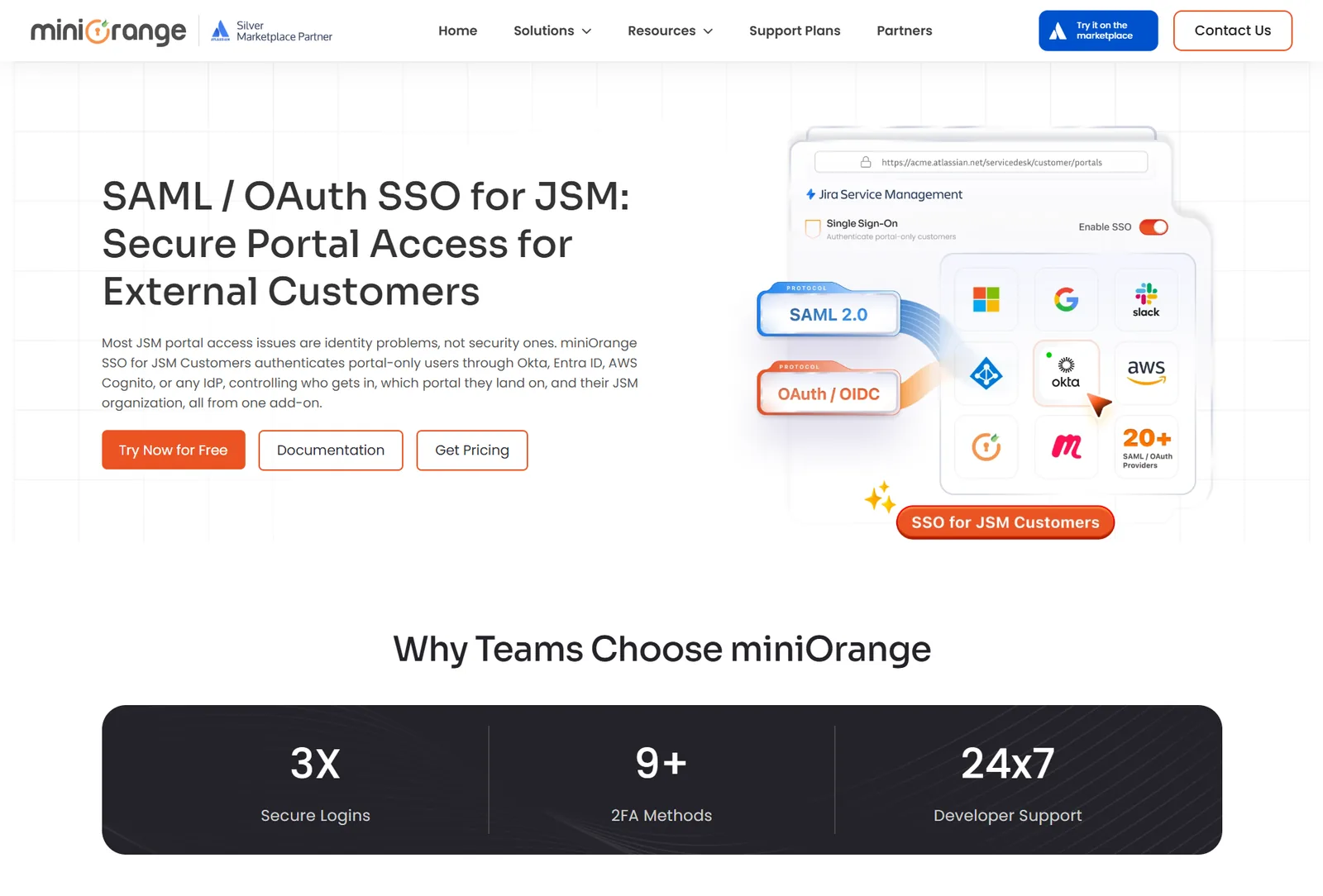
The front door, before and after.
I worked on miniOrange’s main website and its sub-brand pages, including the homepage redesign below.
Drag the handle to compare the two versions.
Designing for a screen vs designing for a room.
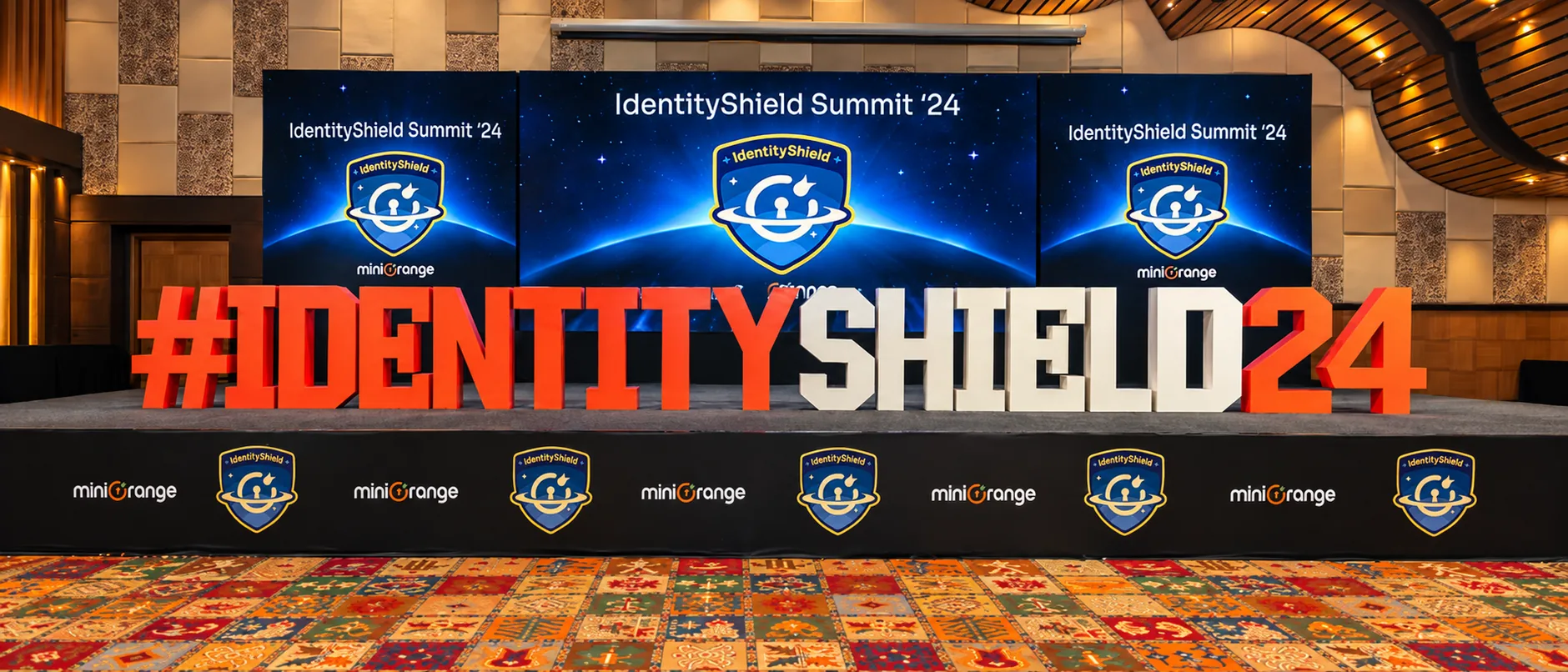
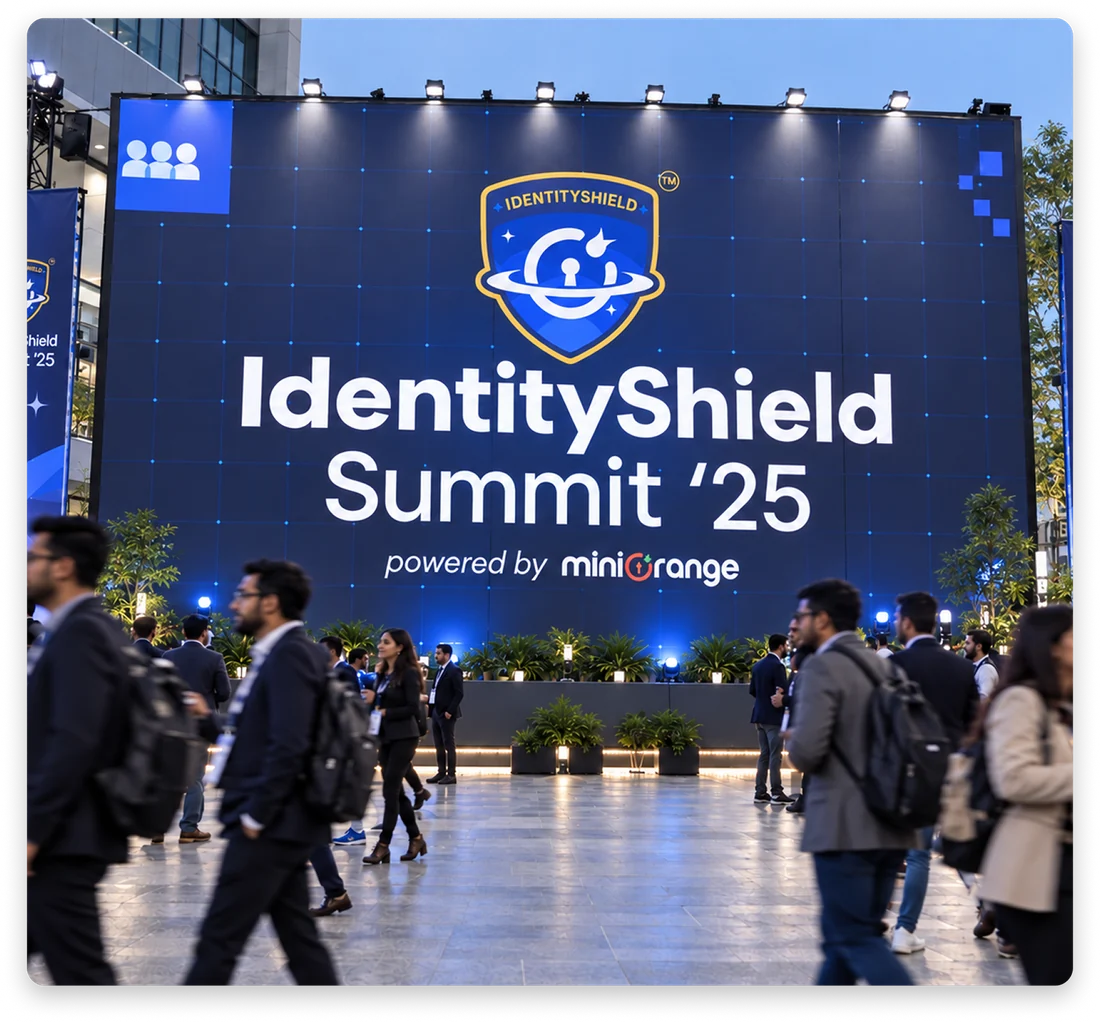
IdentityShield Summit ’24 was the one that changed it for me. A product screen rewards detail. A conference backdrop punishes it. Nobody is standing ten metres away from an authentication screen trying to understand it while walking past twelve other companies.
Event work made me think much more deliberately about:
It pushed me out of interaction design and into visual communication in a way I ended up really enjoying.
Identity Shield Case study →
The event logo, conference branding and print collateral.
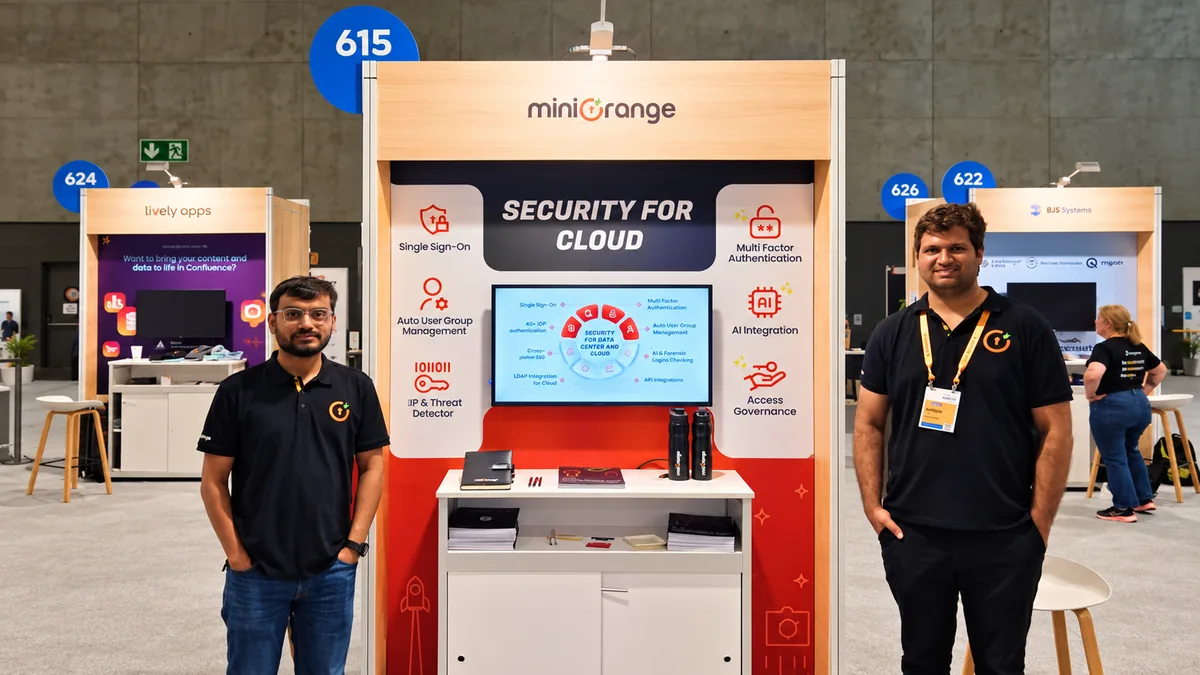
Atlassian Team ’25
Large-format event design, landing-page assets, social and merch.
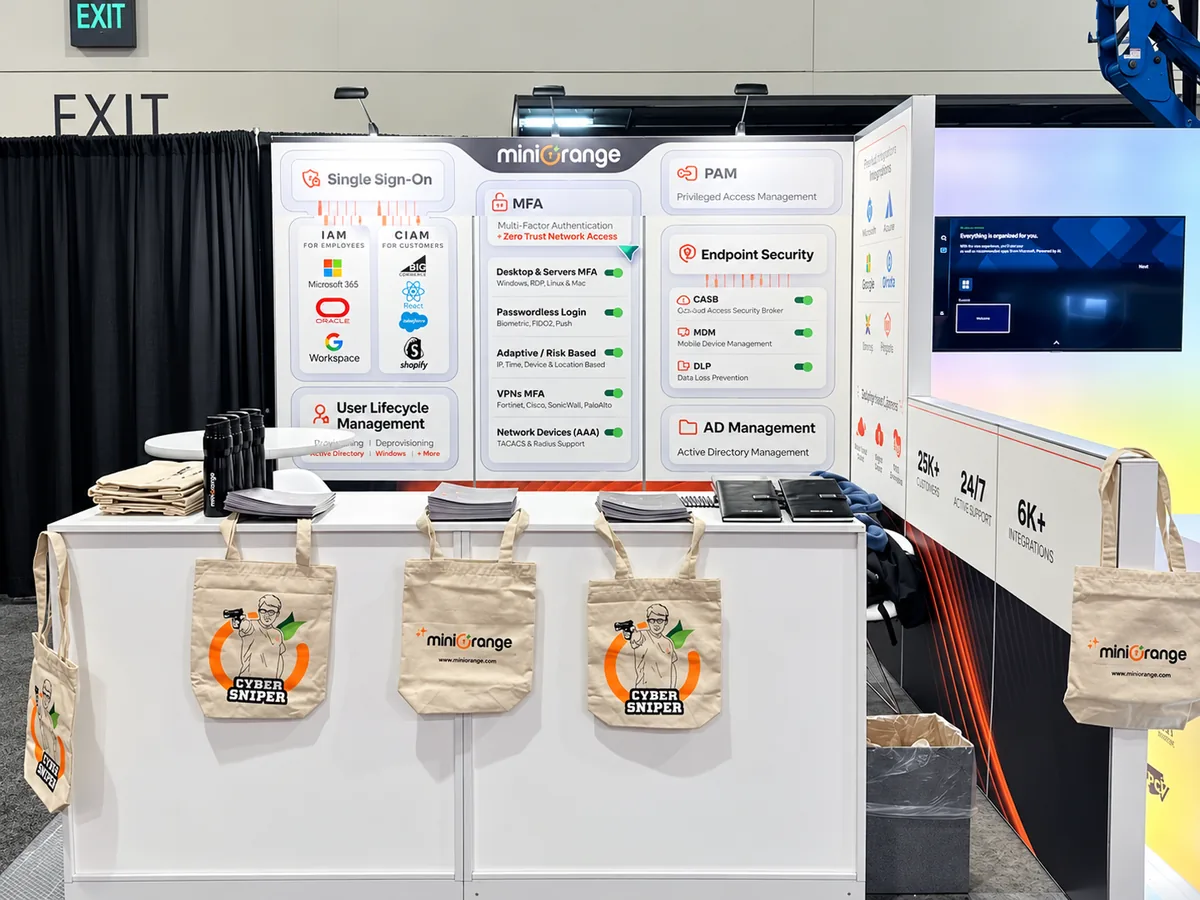
RSA and other events
Backdrops and supporting event material.
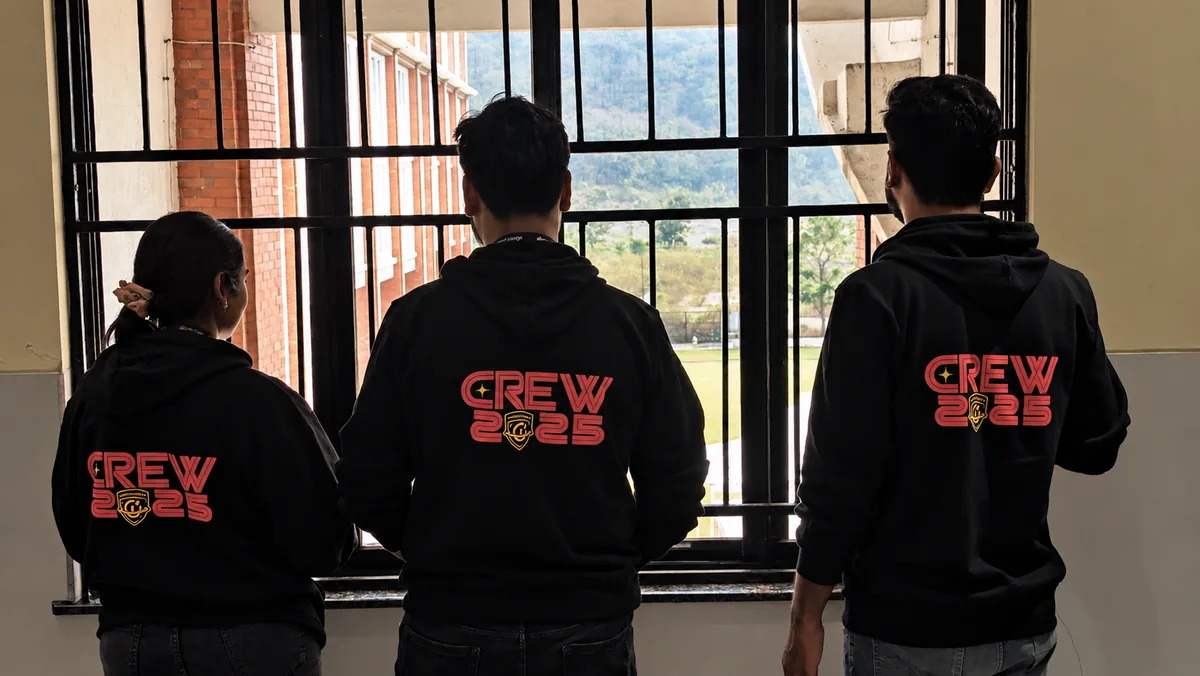
Merch
Stickers, apparel and giveaways for events.
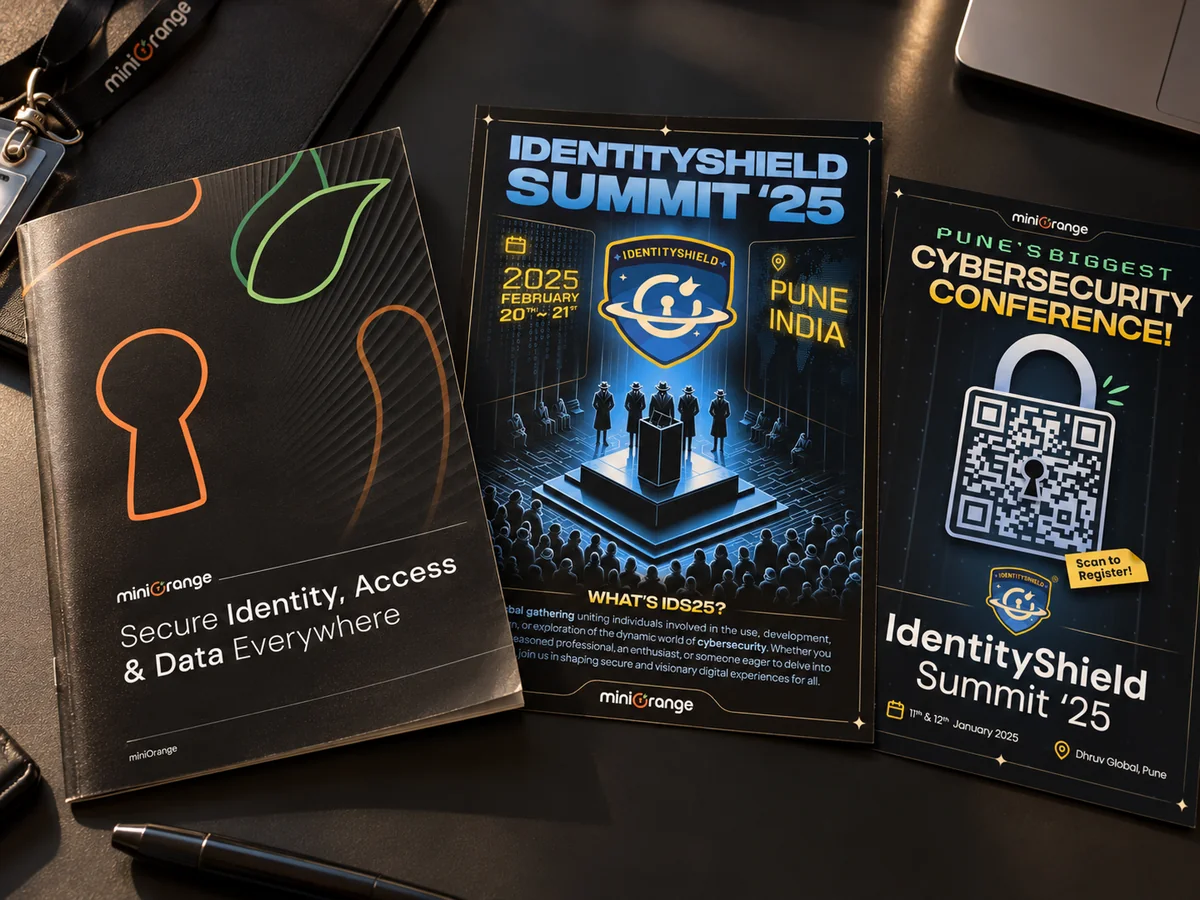
Editorial and print
Product comparison material, brochures and the miniOrange booklet.
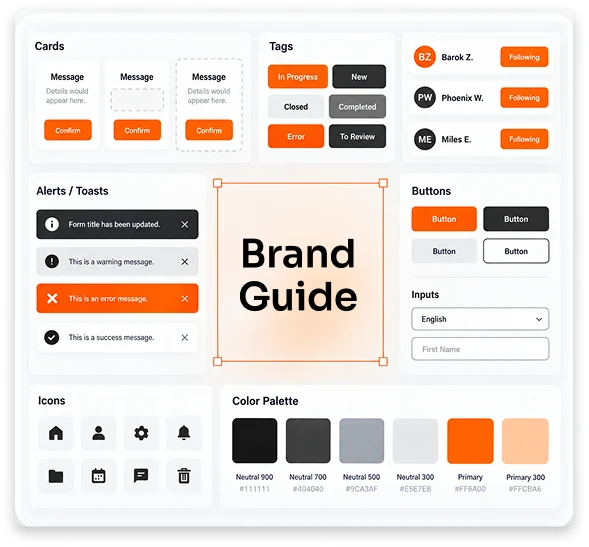
Brand
Keeping the brand consistent across everything above.
That work looks very different from designing a 2FA flow. But I found myself solving a surprisingly similar problem.
What matters first?
What can wait?
What should someone understand without explanation?
Different canvas. Same instinct.
What the constraints looked like.
This work was rarely greenfield. That matters. I was usually designing inside:
There was always a tempting version of the design that worked beautifully if we pretended none of those things existed. That was rarely the version we could ship. So a large part of the work was negotiation. Not between people. Between clarity, capability and reality.
What I actually owned on the product side
Understanding the existing experience
Mapping what was already there before deciding what needed changing.
UX analysis
Confusing hierarchy, duplicated decisions, unclear states, unnecessary load.
Flows and IA
How configuration, status and actions should be organised.
Interaction design
What happens before, during and after the ideal path.
Visual UI
Bringing those decisions into a usable, consistent interface.
Prototyping and iteration
Internal testing, stakeholder reviews, adjusting around technical realities.
Handoff
So engineering understood the behaviour behind the mockups, not just the pixels.
I collaborated with designers, engineers and the wider product organisation throughout.
What I would do differently now
Get closer to users earlier. Technical vocabulary becomes invisible once you have lived with it long enough.
Lead with the task, not the protocol. Technical accuracy does not automatically make good interface language.
Build shared patterns sooner. Consistency is much easier to establish than retrofit.
miniOrange is where most of my understanding of enterprise product design came from. It taught me that simplifying a product is not the same as removing complexity, and that edge cases are not something you design after the main flow. In enterprise software, sometimes the edge cases are the product.
It taught me that good hierarchy is functional. That terminology is design. That system state is part of the experience. That reusable components are organisational memory.
And the same idea held on a homepage, in a newsletter and on a conference floor: decide what matters first, and let the rest wait. Most of the time, the job is helping someone understand:
Where am I?
What happened?
What do I do next?
Complexity is sometimes unavoidable.
Confusion isn’t.
the idea that stuck with me most
Showing up in feeds and inboxes.
I designed social posts for launches, events and campaigns, and the newsletters and email templates that went out to customers, including templates for Jira, Confluence and Unlayer.
Both had the same constraint as a booth backdrop: a few seconds of attention, so the one thing that matters has to land first.